
Activity Launcher
Our Android devices have many backend activities happening. Most of the common users don’t even realize as they just interact with the UI at best. But those who are using apps like Activity Launcher know what else could be done just by tapping into the background activities. You too can become part of the very few who get more from their mobile phones and tablets running on the Android operating system.

Activity Launcher
2.1.4
de.szalkowski.activitylauncher
Activity Launcher
Android 6.0 and Up
Tools
2.35 MB
On this website, you will find the latest version Android package kit file of this app. That means you do not have to browse the internet in search of a safe and trusted option. Because just by tapping the download button on this page you can simply take a copy of the file from our encrypted servers for free.
What is Activity Launcher?
Activity Launcher is an Android app that can create various activities on your Android device. This is in addition to creating shortcuts to your recently installed apps and games. This means you can now directly run various activities from the installed apps. How about creating shortcuts to these activities? Well, using this app, it is all possible.
This opens a whole long list of possibilities in case you are a person who loves to tinker with their digital gadgets. These activities can be carried out without the waste of time. That means you can save immense time just by creating simple and personalizable shortcuts to different things that you normally do on various apps. Now, instead of opening the app and finding the activity, you can create a shortcut and get to the particular section instantly.
Main Features
Here are the best features of the Activity Launcher app:
Create Quick Shortcuts
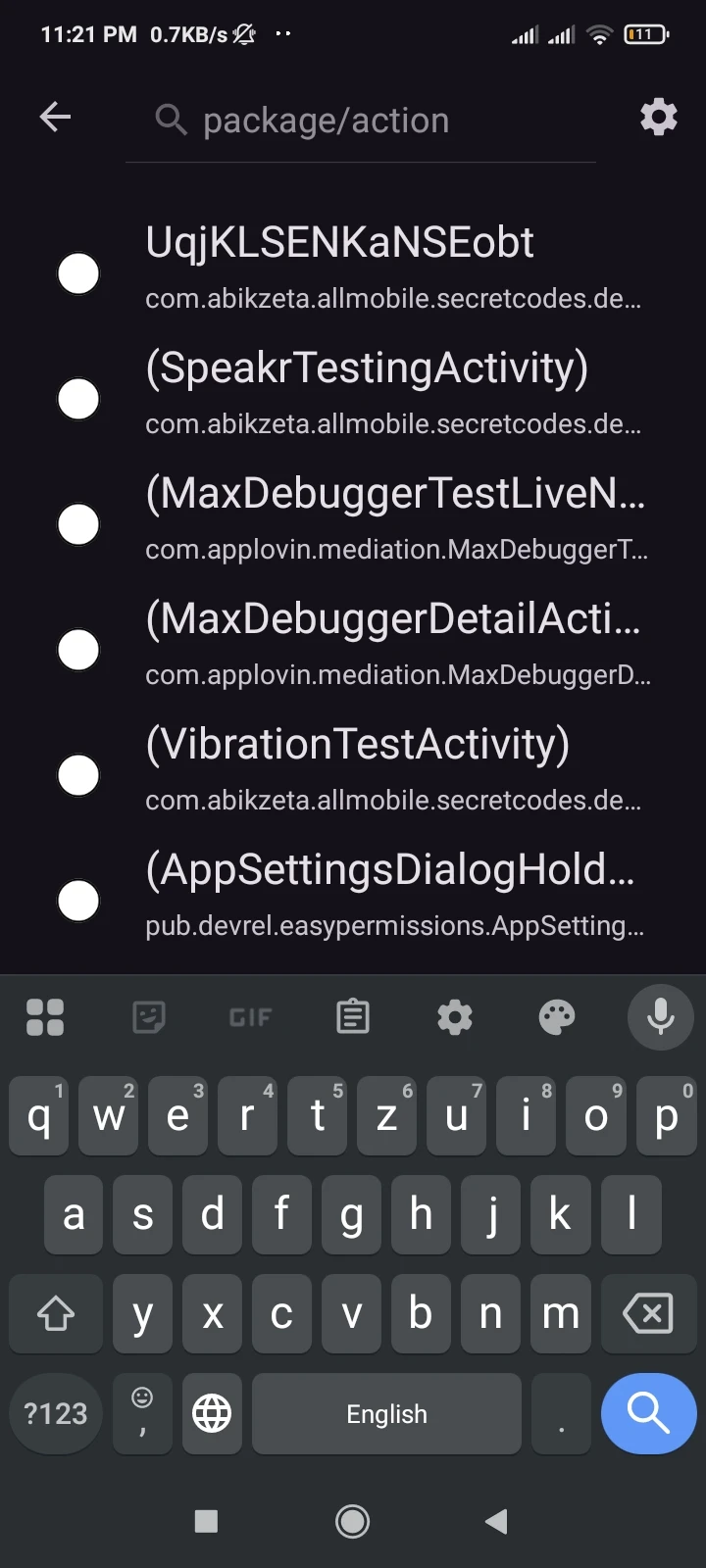
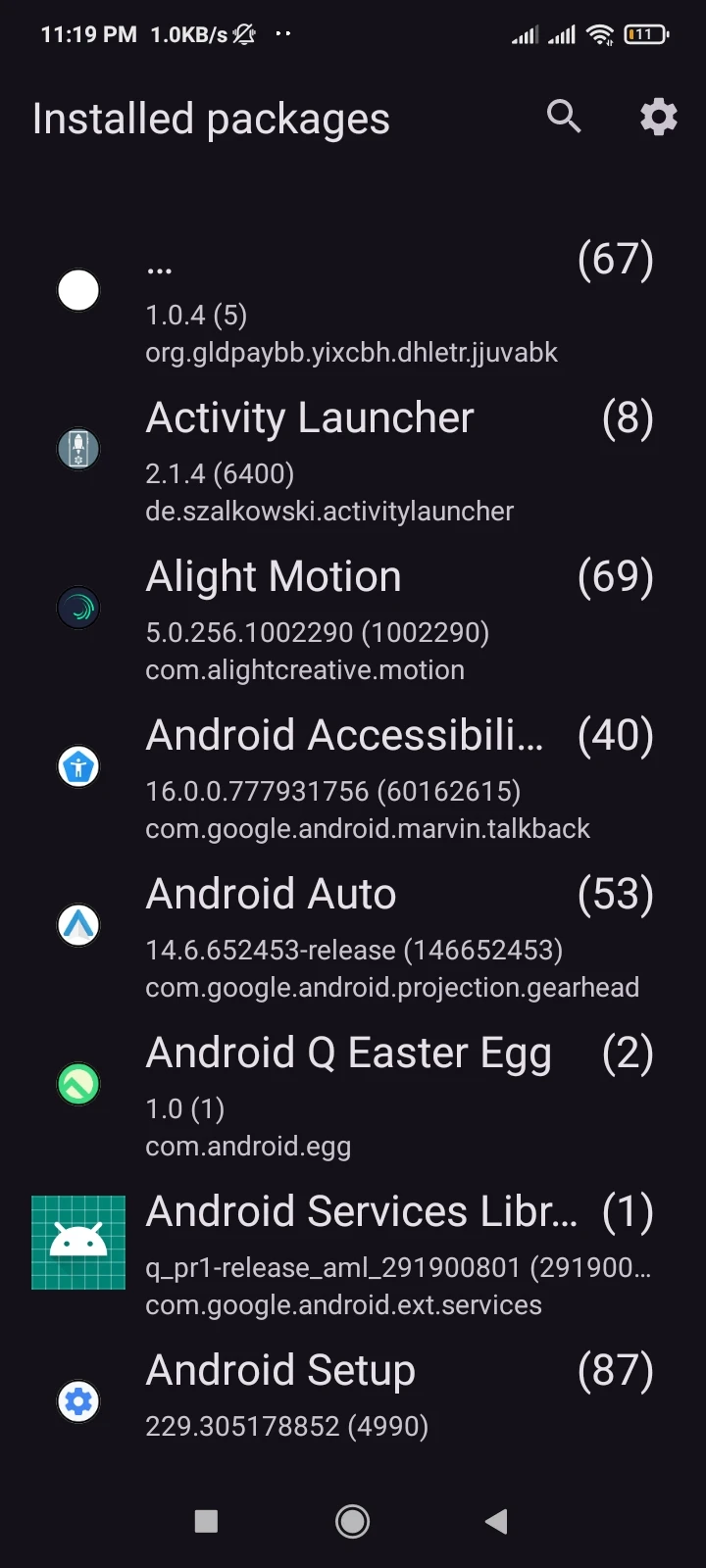
This is the most selling feature of this application. By using this option, an Android user can create shortcuts for any activity of interest. That is any task that they want to do immediately. The process is simple. All you have to do is find the app with the activity of your interest. Tap on the app, and you can see the list of activities. Tap on one of them, and you can see the summary related to it. You can read the name, package name, type, and the icon. Make the changes that you want and hit the ‘Create Shortcut’ button. It is that simple.
Customize the Interface
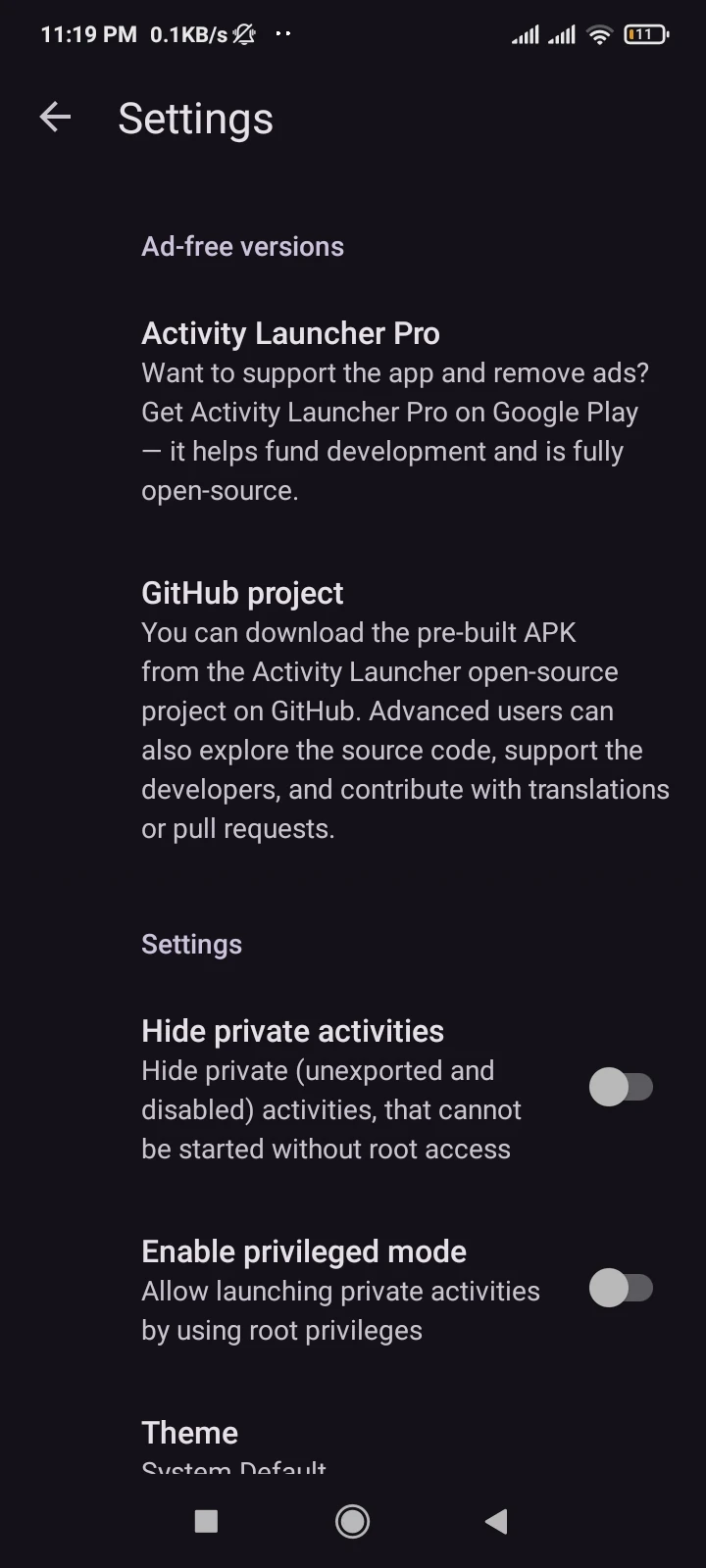
The app comes with a lot of opportunities for personalization. Opt for your choice out of twenty or so languages. At first glance, you can identify two different themes. One is light and the other is dark. Another section deals with the option of displaying or hiding the private activities. Please remember that the private activities can only be executed when you have root privileges on the device. So if this aspect is not active, make sure you deal with it at the first chance.
Launch Activities Instantly
The Activity Launcher Android app is all about saving your time and doing something extra with your Android device. Just by activating some of the common features, you can do a lot. That means from the creation and customization of shortcuts to the frequent activities, there is a lot you can do. Personalize the shortcut icon from a long list of options for yourself.
Easy to Use
This app, contrary to what you may think due to the introduction of rooting privileges and all, is an easy to use tool. This becomes clear once you start playing with the options. They are to the point and do not include any extra and unnecessary embellishments. This works in favor of the users who can actually do more without getting distracted by a colorful UI.
App Screenshots
How to Download and Install Activities Launcher APK on Android Devices?
This is a simple and easily executable process. All you need is to follow a simple set of steps. Here is how to go about it:
First, scroll to the top of this page and find the download button. Press the download button and go to the next page. Here you can find ‘Download Activity Launcher APK’ after a short wait.
Tap this button, and you will see the process starting.
Now go to settings and enable unknown sources from the security settings tab. This will allow you to install third-party apps with ease.
Once done, head to the File Manager and locate the package file inside the downloads folder.
Tap on the file and allow the permissions required. Press ‘Next’ and wait for the process to conclude.
Find the app icon on the home screen. Time to go on a discovery journey.
Frequently Asked Questions
Do I need to root my device in order to use this app?
Is this Android package kit file safe to use?
Do I get the Activity Launcher APK latest version here?
How many apps can I modify with this tool?
Conclusion
Activity Launcher is a perfect tool for the tech-savvy users of the Android Operating System. This app allows you to create various activity shortcuts and app icons with ease. Take advantage of these features and make your mobile phone or tablet more accessible. It all begins when you hit that download button at the top of this page.